


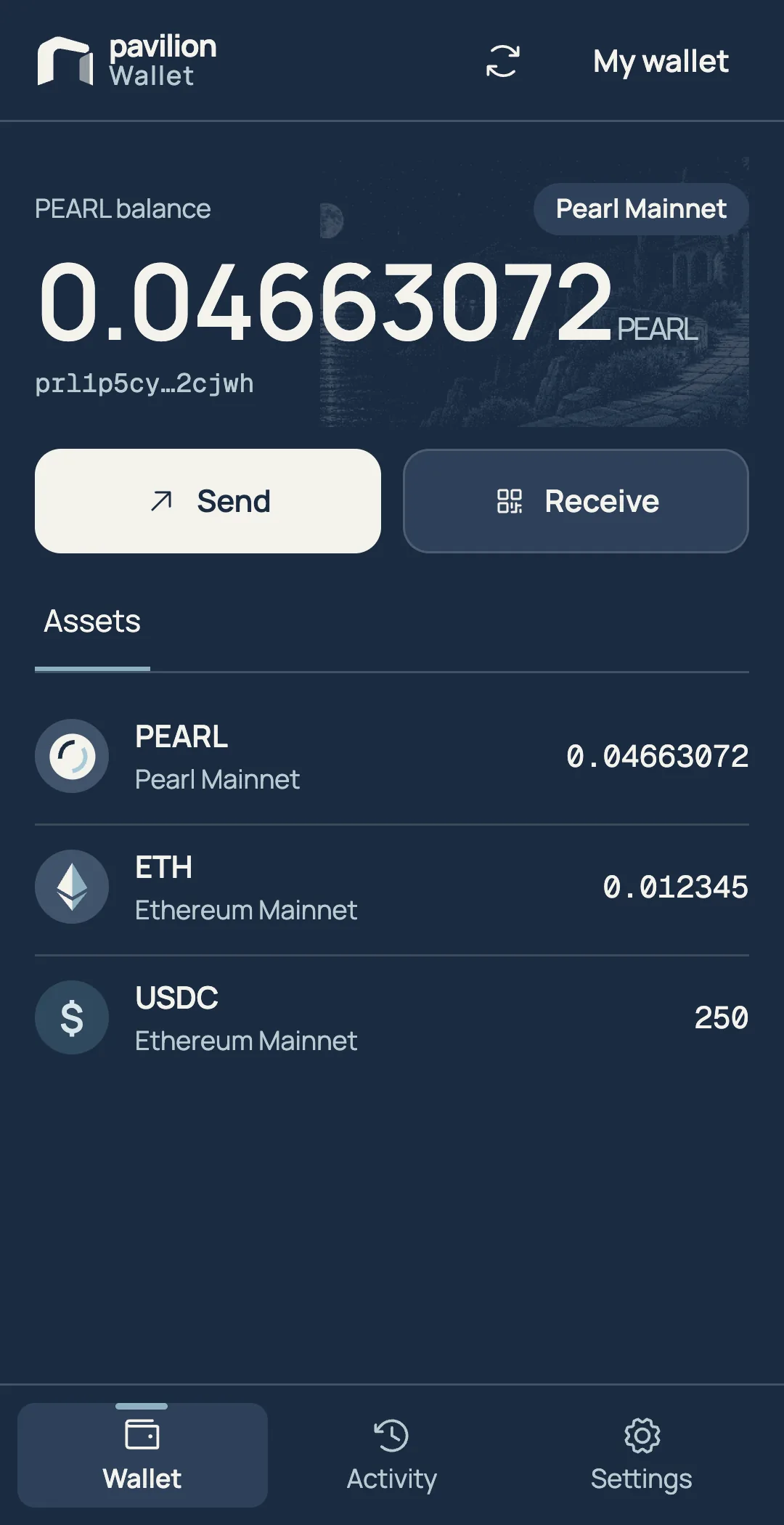
Try the demo.Example account. No funds move.

Pearl and EVM networks
in one wallet.
Hold native PEARL on Pearl next to your assets on Ethereum, Base and Robinhood Chain. Solana support is coming soon.
- Pearl
- Ethereum
-
Base

- Robinhood Chain
-
Solana
 Coming soon
Bridge to Ethereum
from your wallet.
Pavilion Bridge is the first ZK bridge between Pearl and Ethereum. Your PEARL arrives as wPEARL, one for one.

Send to the
right address.
Pavilion checks the address as you enter it. A typo or an address from the wrong network gets stopped before you can send. Then you see the recipient, fee and total on one screen.

Sign in with
Apple or Google.
Sign in and your wallet is ready.
Use it on iOS, Android or Chrome.
Example sign-in. It doesn’t connect to Apple or Google.

Your keys stay
with you.
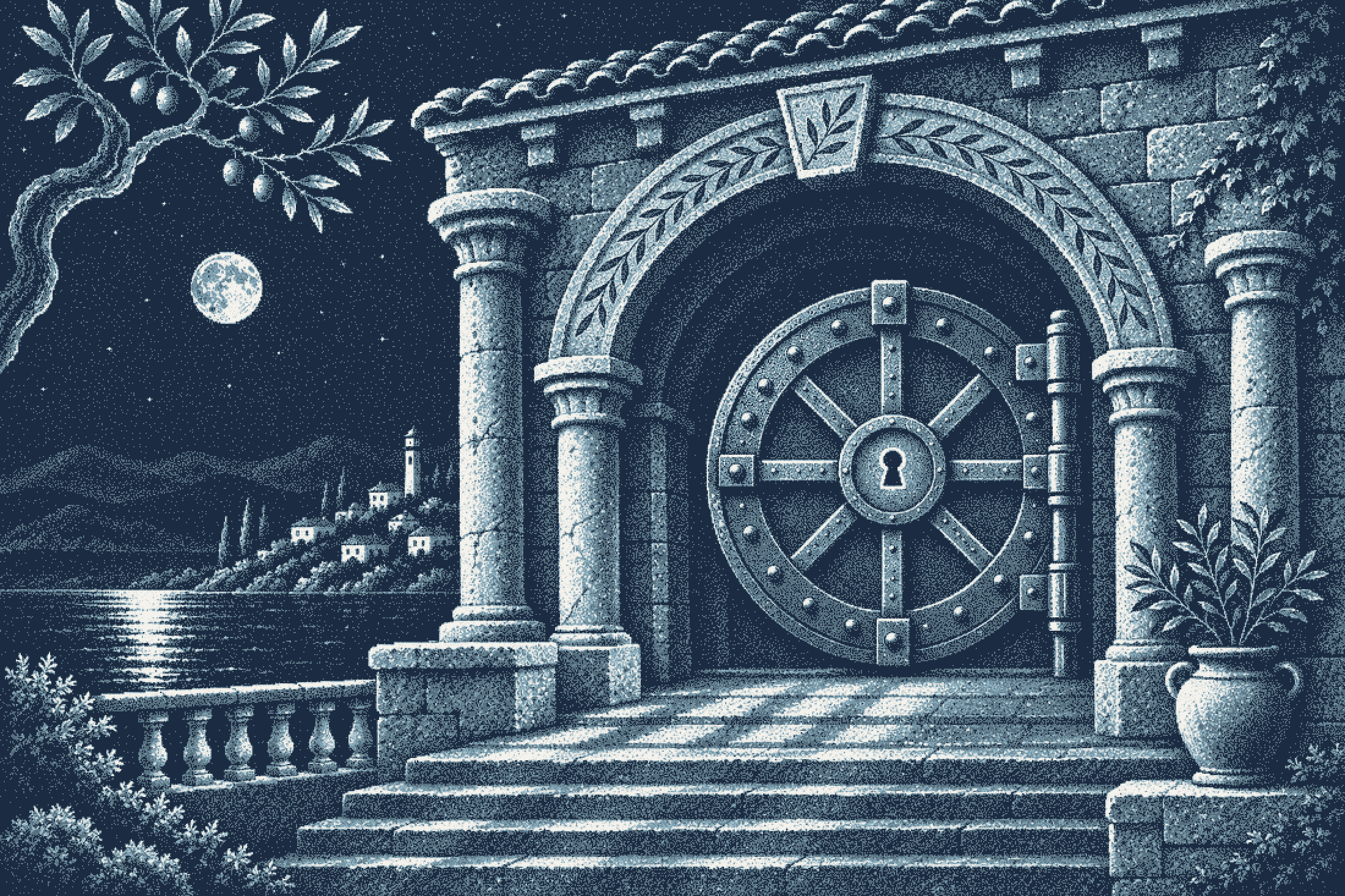
Pavilion can’t see your keys or move your PEARL.
- Self-custodial
- Only you hold your keys, so only you can sign for your funds.
- Backup and restore
- Back up your wallet and restore it on a new device.
- Kept on your device
- Your wallet data is stored locally, on your device.
Pavilion Wallet
is coming soon.
It’s coming to iOS, Android and Chrome. Sign up for updates and we’ll tell you when it’s ready.


Questions about
the wallet.
What can I hold in Pavilion Wallet?
PEARL on Pearl, and EVM assets on Ethereum, Base and Robinhood Chain. Solana support is coming soon.
When can I use Pavilion Wallet?
It’s coming soon to iOS, Android and Chrome. Sign up for updates and we’ll tell you when it’s ready.
How do I create an account?
Open the wallet and choose Sign in with Apple or Sign in with Google.
Can Pavilion move my funds?
No. Moving PEARL requires a signature from your keys, and Pavilion can’t sign for you.
How does bridging work?
Pavilion Bridge, the ZK bridge for Pearl, is coming soon. PEARL you bridge arrives on Ethereum as wPEARL, one for one. The wallet fills in your receiving address and tracks the transfer. Open Pavilion Bridge